
All API Hub - Your All-in-One AI Asset Manager
An open-source browser extension for AI relay accounts and API credentials, with management for self-hosted gateways such as CLIProxyAPI, New API, and Sub2API. Check balances, compare model prices, verify APIs, and back up with encrypted WebDAV.
Get StartedChrome StoreEdge StoreFireFox StoreSafari Install
📊 Multi-Site Asset Dashboard
See balances, usage, trends, and account status across multiple AI relay sites on one screen instead of managing them separately.
🔑 API Credential Library
No site account required—keep Base URLs and API Keys shared by others or collected over time in one place, ready for lookups, testing, or export.
💰 Cross-Site Model Price Comparison
Calculate effective model prices across sites and quickly find better-value models and groups.
✅ Multi-Site Auto Check-In
Run daily check-ins for supported accounts with one click or on a schedule, collect rewards automatically, and skip daily logins.
🧪 API, Model & CLI Verification
Test API connectivity, model availability, and CLI integration in one click to quickly troubleshoot configuration issues.
🔔 Announcements & Task Alerts
See announcements from added sites in one place and receive timely maintenance, model, and pricing updates, plus results from scheduled background auto check-ins, WebDAV auto-sync, and model sync.
🚀 Web Capture & One-Click Export
Quickly find Base URLs or API Keys on web pages and export them to popular AI clients with one click.
🛠️ Popular AI Gateway Support
Manage CLIProxyAPI, New API, Sub2API, AxonHub, Claude Code Hub, Octopus, Veloera, and DoneHub in one place; quickly add site configurations from saved accounts or API credentials, with model sync and redirects where supported.
🔐 Local-First Storage & Auto-Sync
Data stays in your browser by default; enable encrypted WebDAV auto-sync to keep it safely synchronized across devices and continue where you left off after switching computers.
Introduction
In the AI era, many of us keep multiple relay-site accounts to save money or try different models. Managing them quickly becomes painful: balances are scattered, pricing is messy, and daily manual check-ins are easy to miss.
All API Hub is built to solve those problems. It is your AI asset center, making management simpler, clearer, and more automated.
🎯 Use Cases
👤 I am a regular AI user (recommended for beginners)
- How do I start?: Download and install the extension -> Add my first account
- I want to save money: Earn credits with auto check-in -> Compare model prices across sites
- I want less manual work: See asset changes at a glance -> Sync accounts to other AI tools -> Receive background task notifications
🛠️ I am an advanced user (Key collector)
- Key management: Save standalone URL+Key pairs to the API Credential Library
- Availability testing: Batch verify API and CLI compatibility
- Cross-device sync: Configure encrypted WebDAV backup
👑 I am a site admin (operator area)
- Efficiency tools: Manage channels inside the extension -> Batch sync models
- Configuration optimization: Set up model redirection
- Security safeguards: Handle 2FA / OTP verification
🧩 Supported Site Architectures
No matter which architecture you use, there is a good chance we support it:
- Account-site compatible architectures: New API, One API, Sub2API, One-Hub, Veloera, Done-Hub, and more.
- Specialized account platforms and compatible implementations: OpenRouter, AnyRouter, AgentRouter, AIHubMix, Super-API, v-api, Neo-API, and more.
- Self-hosted admin backends: CLIProxyAPI, New API, Sub2API, AxonHub, Claude Code Hub, Octopus, Veloera, DoneHub, and more, for backend management, with migration and model sync where supported.
If you use Safari on macOS, read the Safari Installation Guide first. If you use QQ Browser, 360 Browser, Brave, Vivaldi, Opera, or similar browsers, read the Other Browser Installation Guide. To learn why the store version may be behind GitHub Releases, or how to check updates manually, read Installation Channels and Updates.
💬 Community
Have questions or want to share useful sites? Join the community:
- GitHub Discussions
- Discord Community
- Telegram Group
- QQ Group
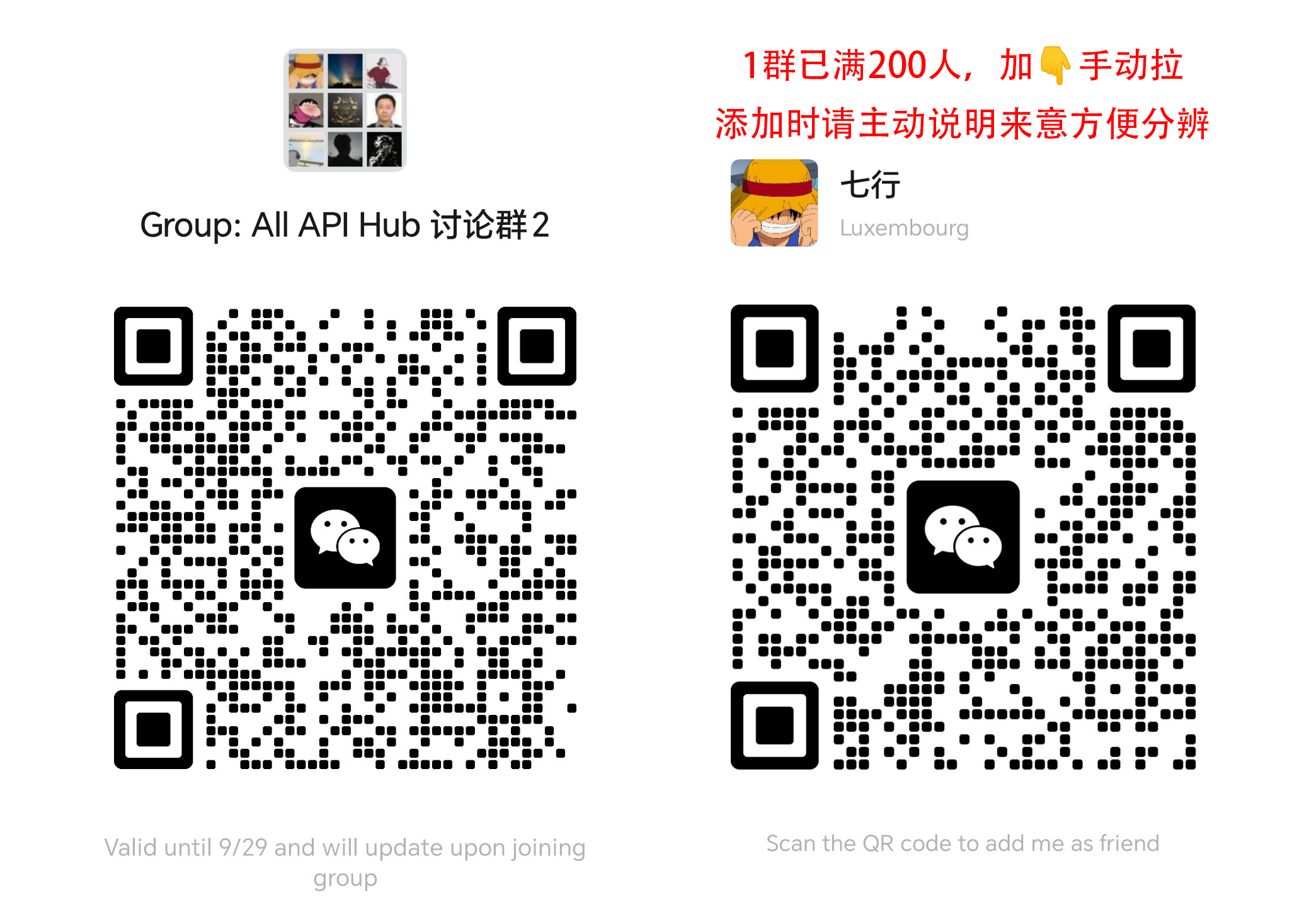
- WeChat Group: Scan the QR code below to join the Chinese group.
❤️ Sponsors
Thank you to all our sponsors for supporting the project's long-term feature development and maintenance. We are also grateful to every user, contributor, and community member for using, testing, sharing, and improving All API Hub.

Qiniu Cloud AI is Qiniu Cloud's enterprise MaaS platform, offering one-stop access to 150+ mainstream models worldwide with compatibility across major provider protocols and full-modal capabilities for text, image, audio, video, and file processing. Enterprise users can claim 12 million free tokens via this link, with referral rewards up to tens of billions of tokens.
FennoAI is a stable and efficient API relay provider focused on Codex relay services. It supports the OpenAI and Anthropic protocols, integrates flexibly with popular coding tools such as Codex, Claude Code, and OpenCode, and reliably handles enterprise demand at the scale of 100 billion tokens per day. It also supports business-to-business settlement and invoicing for entities in China and overseas. FennoAI offers an exclusive benefit for All API Hub users: subscribe through the dedicated link for just $1.99 to receive $50 in Coding Plan credits. Its referral program offers up to 20% commission on friends' purchases, with higher rewards as you invite more people (setup guide).

PackyCode is a reliable and efficient API relay service provider, offering relay services for Claude Code, Codex, Gemini, and more. PackyCode provides special discounts for our software users: register using this link and enter the "all-api-hub" promo code during first recharge to get 10% off (setup guide).

Xingchen AI is a stable and efficient API relay provider offering services for Claude Code, Codex, Gemini, and more. It supports 1:1 top-ups, provides invoices, and offers Claude at as low as 40% of the standard price. You can learn more and start using it through this link (setup guide).
XuanShu API is a next-generation AI model routing gateway for enterprises, technical teams, and individual developers. It provides one-stop API access to leading global models including Claude, GPT, and Grok with enterprise-grade reliability. Model pricing ranges from 10% to 60% of standard rates. Register through this link to receive extra top-up bonuses, with more for your first top-up. Business customers can pay by corporate bank transfer and request invoices (setup guide).

AICodeMirror provides official high-stability relay services for Claude Code / Codex / Gemini CLI, with enterprise-grade concurrency, fast invoicing, and 24/7 dedicated technical support. Claude Code / Codex / Gemini official channels are available from 38% / 2% / 9% of the original price, with extra discounts on top-ups. AICodeMirror offers special benefits for All API Hub users: register via this link to enjoy 20% off your first top-up, and enterprise customers can get up to 25% off.

Suixiang AI Relay is a reliable and efficient API relay service provider for Claude, Codex, Gemini, and more. It focuses on privacy, transparency, fast support, no data resale, and no model dilution. New accounts can receive ¥0.5 in daily check-in test credits, with 1:1 top-ups, pay-as-you-go billing, redundant routes, cross-region disaster recovery, automatic failover, uninterrupted long-lived SSE streams, and 99.9% availability. Learn more through this link (setup guide).
APIMart is a low-cost API platform for AI image & video generation — GPT-Image-2 from $0.006/image, 160+ images per dollar. One async API covers both image and video: submit a task, get an ID, then fetch results via polling or callback. Batch tens of thousands of images without timeouts, switch models without changing code. Pay-as-you-go with no monthly fee. Sign up through this link to get started.

Dola Seed 2.0 is a full-modal general large model independently developed by ByteDance for the global market. Built on a unified multimodal architecture, it supports joint understanding and generation of text, images, audio, and video. It natively enables agent collaboration, with strong reasoning, long-task execution, tool integration, and coding capabilities. It is widely applicable to smart cockpits, personal assistants, education, customer support, marketing, retail, and other scenarios. It excels in multimodal perception, end-to-end complex task delivery, stable interaction, and data security, and is readily accessible and deployable via the ModelArk platform. Register via this link to get 500,000 tokens of free inference quota per model. >>中国大陆地区的开发者请点击这里